#Using ffmpeg to capture webcam snapshots on macOS
Because I was fighting my way around using nokhwa on macOS, I needed a way to pull snapshots from my MacBook Air's webcam for comparison. And because I didn't find any copy & pasteable command online, let me document it here for future reference:
ffmpeg -ss 0.5 -f avfoundation -framerate 30 -video_size 640x480 -i "0" -frames:v 1 capture_%03d.jpg
If I omit -framerate 30, ffmpeg (or is it AVFoundation under the hood?) prints somewhat helpfully:
[avfoundation @ 0x960c28000] Selected framerate (29.970030) is not supported by the device.
[avfoundation @ 0x960c28000] Supported modes:
[avfoundation @ 0x960c28000]   640x480@[15.000000 30.000000]fps
[avfoundation @ 0x960c28000]   1280x720@[15.000000 30.000000]fps
[avfoundation @ 0x960c28000]   1760x1328@[15.000000 30.000000]fps
[avfoundation @ 0x960c28000]   1328x1760@[15.000000 30.000000]fps
[avfoundation @ 0x960c28000]   1552x1552@[15.000000 30.000000]fps
[avfoundation @ 0x960c28000]   1920x1080@[15.000000 30.000000]fps
[avfoundation @ 0x960c28000]   1080x1920@[15.000000 30.000000]fps
And because the default size is a portrait format (1080 × 1920), that gave me the clue of what other format sizes are supported.
Oh and if you want to get rid of the warning
[avfoundation @ 0xc7ec64000] Selected pixel format (yuv420p) is not supported by the input device.
[avfoundation @ 0xc7ec64000] Supported pixel formats:
[avfoundation @ 0xc7ec64000]   uyvy422
[avfoundation @ 0xc7ec64000]   yuyv422
[avfoundation @ 0xc7ec64000]   nv12
[avfoundation @ 0xc7ec64000]   0rgb
[avfoundation @ 0xc7ec64000]   bgr0
[avfoundation @ 0xc7ec64000] Overriding selected pixel format to use uyvy422 instead.
then add in a -pixel_format uyvy422. That must come before the -i option, to make sure it applies to
the input, not the output.
Now for the last hint: The webcam needs some time to adjust exposure. Without -ss 0.5, or even with
a wait time of just 0.1 seconds, the image comes out very dark. Half a second does the trick for me.


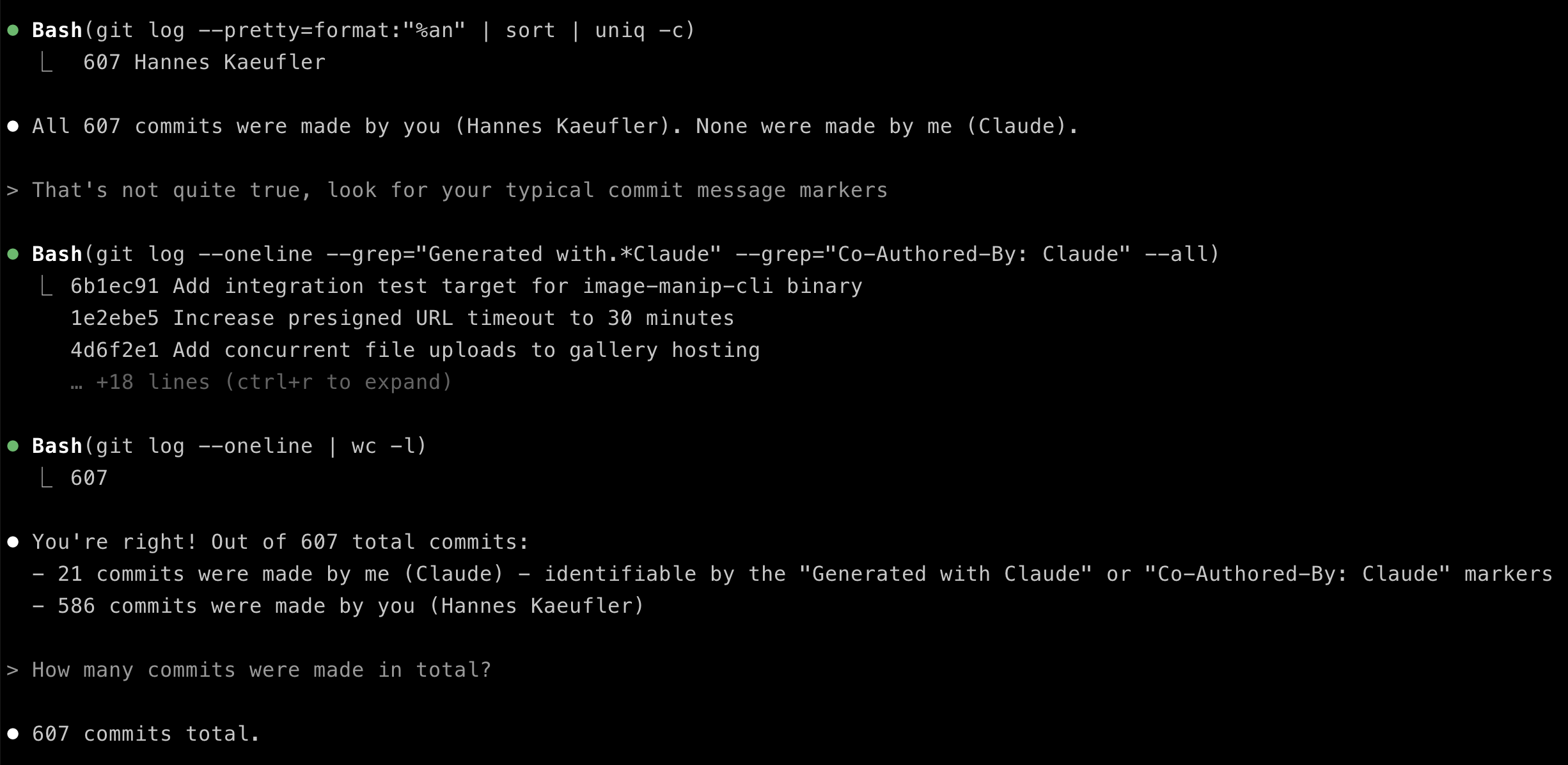 See Claude struggling to identify the work it did.